Golfer at the top of a backswing on a sunlit course

OwnForge · on-device swing analysis

See the swing you actually made.

Record a face-on or down-the-line clip. GolfSwing tracks your pose on the phone, then plays back phases, rotation estimates, and a rotatable 3D skeleton.

60 FPS
Capture target
8 phases
Address to finish
On device
No account needed

Pose tracking stays on your phone. No login. No cloud upload. Built for range sessions.

What you get

An official swing lab in your pocket.

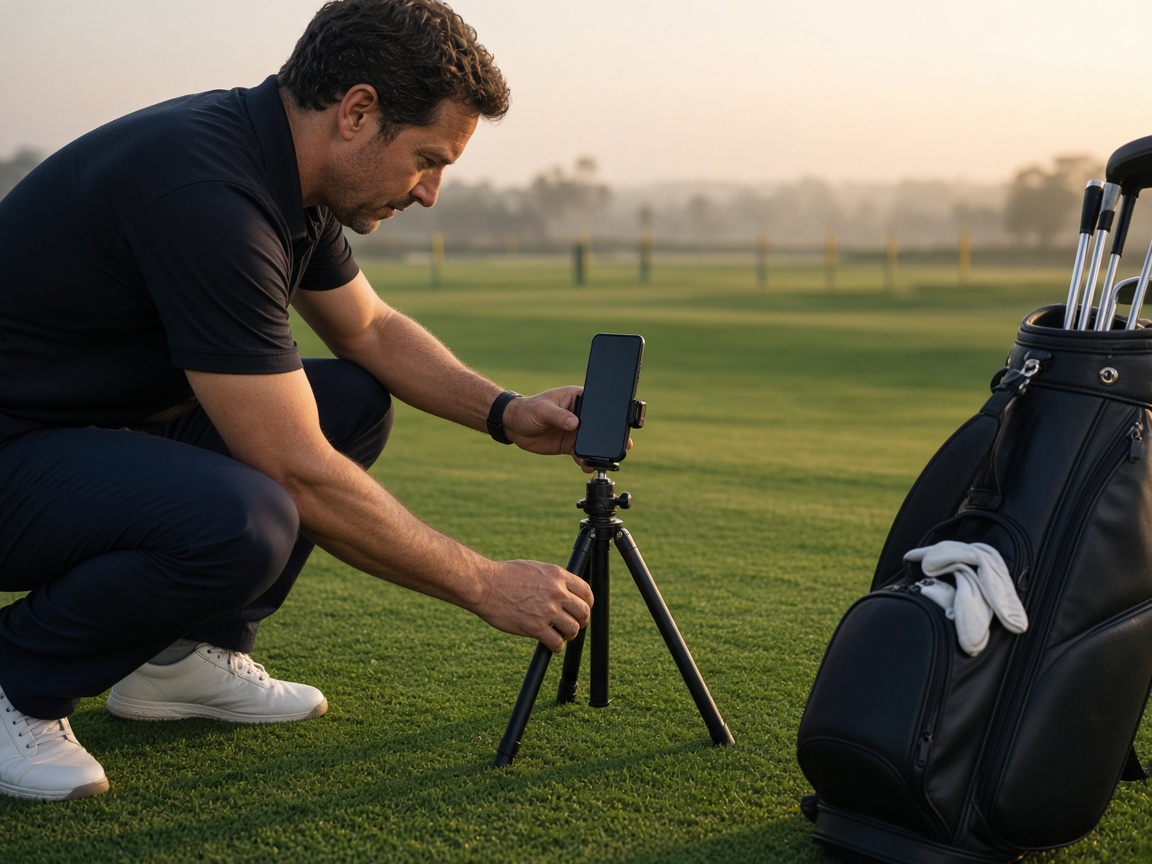
Golfer setting a phone on a tripod beside a golf bag

Record or import

Capture at 60 FPS, or pull a clip from your gallery. Face-on for rotation, down-the-line for plane.

Golfer mid-swing on a manicured fairway

Phases and estimates

Eight swing phases, pelvis and chest turn, X-factor, hip sway, tempo, and capture-quality notes.

Golfer reviewing a swing on a phone beside the green

Compare and trend

Stack today’s swing against a previous one, then watch tempo and rotation move across your library.

3D review

Rotate the skeleton. Jump to impact.

After analysis, scrub the clip with a 2D overlay, then spin the 3D pose to check chest turn, spine tilt, and finish. Numbers are single-camera estimates — useful for practice, not a lab motion-capture bay.

Get GolfSwing

Free Android build. Ready this session.

Download the APK, install it on your phone, and record a swing. About 79 MB. Chrome will warn that the file did not come from Play Store — that is normal for this OwnForge release.

Download Android APK

Android 10+ · arm64 · signed for sideload

  1. Open this page on your Android phone and tap Download.
  2. If Chrome asks, choose Download anyway.
  3. Allow install from the browser or Files app, then open GolfSwing.
  4. Grant camera and microphone, then record a full-body swing.